How to change a poster in a snap frame: the short version
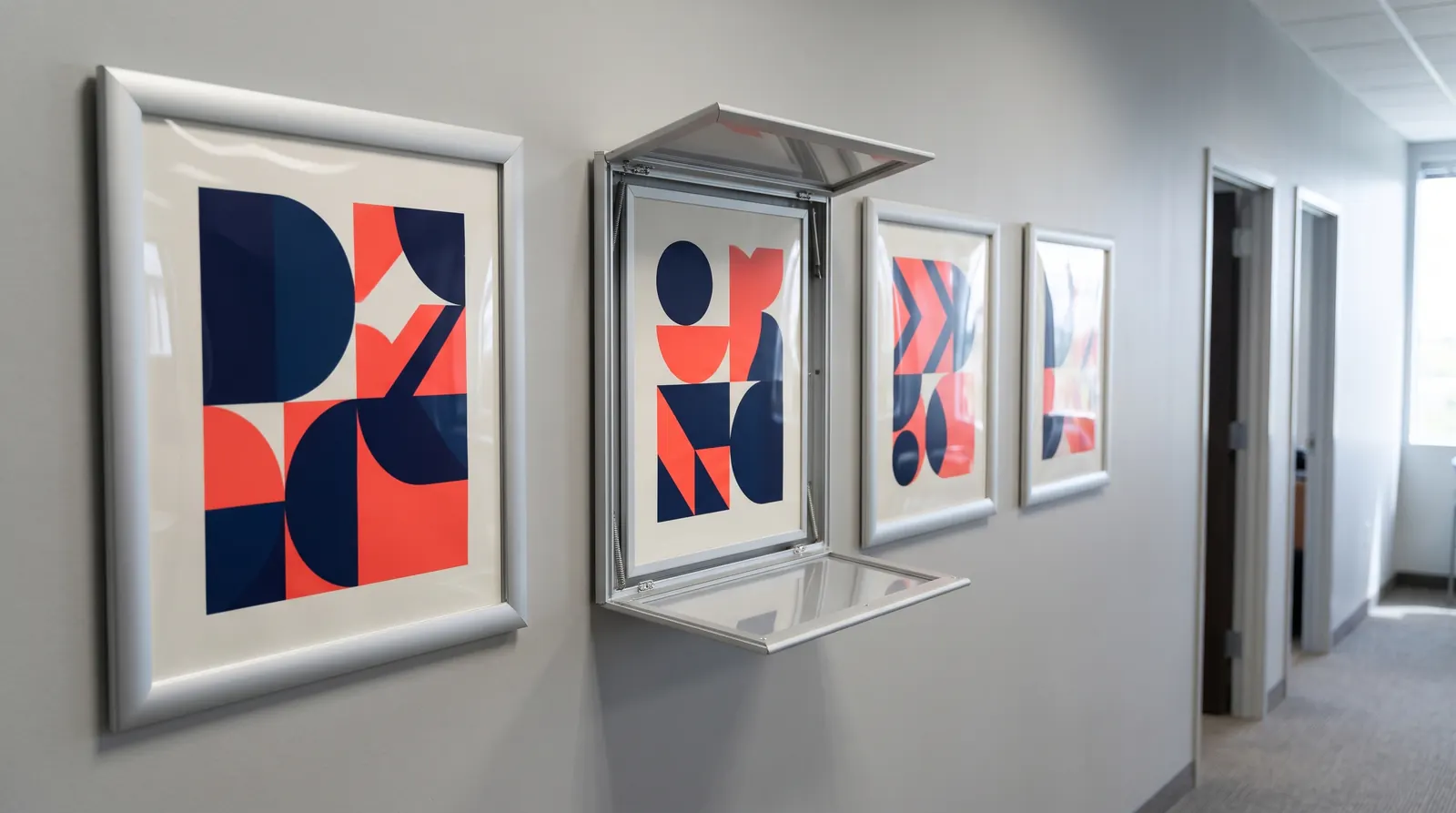
Flip open the four sides of the frame, starting from a corner, lift off the transparent cover, remove the old poster and lay the new one squarely on the backing board. Then put the cover back on top and snap the sides shut. In an A4 to A2 frame this takes about a minute; with A0 and B1 it takes a few minutes, and a second pair of hands helps.
You do not need to take the frame off the wall or unscrew anything. You do not need tools either: your fingers and a clean cloth are enough. The same method works for A-boards and information stands with a snap profile.
What to prepare before you start
- A poster in the frame size — an A1 frame takes a 594×841 mm poster and a B1 frame a 707×1000 mm one. Trim an oversized print before you start; an undersized one will slide around under the cover.
- A soft microfibre cloth — for wiping the cover and backing board. Paper towels and rough cloths can scratch the clear plastic.
- Clean hands or cotton gloves — fingerprints on the inside of the cover will stay visible for as long as the poster is up.
- A second person for large sizes — an A0 or B1 cover is large and flexible, and easy to bend or drop.
- A plastic spatula (optional) — if a profile is stiff, it helps you lift it without scratching the aluminium. Never use a screwdriver or a knife.
Changing the poster step by step
These instructions apply to snap frames with a front-opening profile, such as the Snap Frame Standard in sizes A5 to A0 and B3 to B1, and to stands and A-boards with the same profile.
- Prepare your workspace
Stand in front of the frame with a clean cloth and the new poster, laid flat, close to hand. For A0 and B1 sizes, ask a second person to hold the cover.
- Open the top profile
Slide a fingertip under the edge of the profile at a top corner and flip the side outwards, running your finger along it. The profile should stay in the open position.
- Open the side and bottom profiles
Open both side profiles the same way, and the bottom one last. On a wall-mounted frame you can leave the bottom profile closed: the poster and cover then rest on it like a shelf.
- Lift off the cover
Hold the transparent cover by its top corners, lift it away and lay it on a clean surface. If this is the first change in a new frame, peel off the protective film from the cover if it has one.
- Remove the old poster
Slide out the old poster and wipe the backing board with a dry microfibre cloth so no dust or fluff ends up under the new print.
- Position the new poster
Lay the poster on the backing board and line it up with the bottom edge and sides. Check that it sits straight and that no edge is caught under a profile hinge.
- Replace the cover
Wipe the inside of the cover, lay it over the poster and line it up with the edges of the frame. Hold the cover by its edges to avoid fingerprints.
- Snap the profiles shut
Press each profile down, moving your hand from the middle of the side towards the corners, until it clicks shut along its full length. Start with the bottom if it was open, then the sides, and finish with the top.
- Check the result
Step back a few paces and look at the frame. If the poster is crooked or you can see dust under the cover, open one profile and adjust it.
Changing posters in A-boards, stands and hanging frames
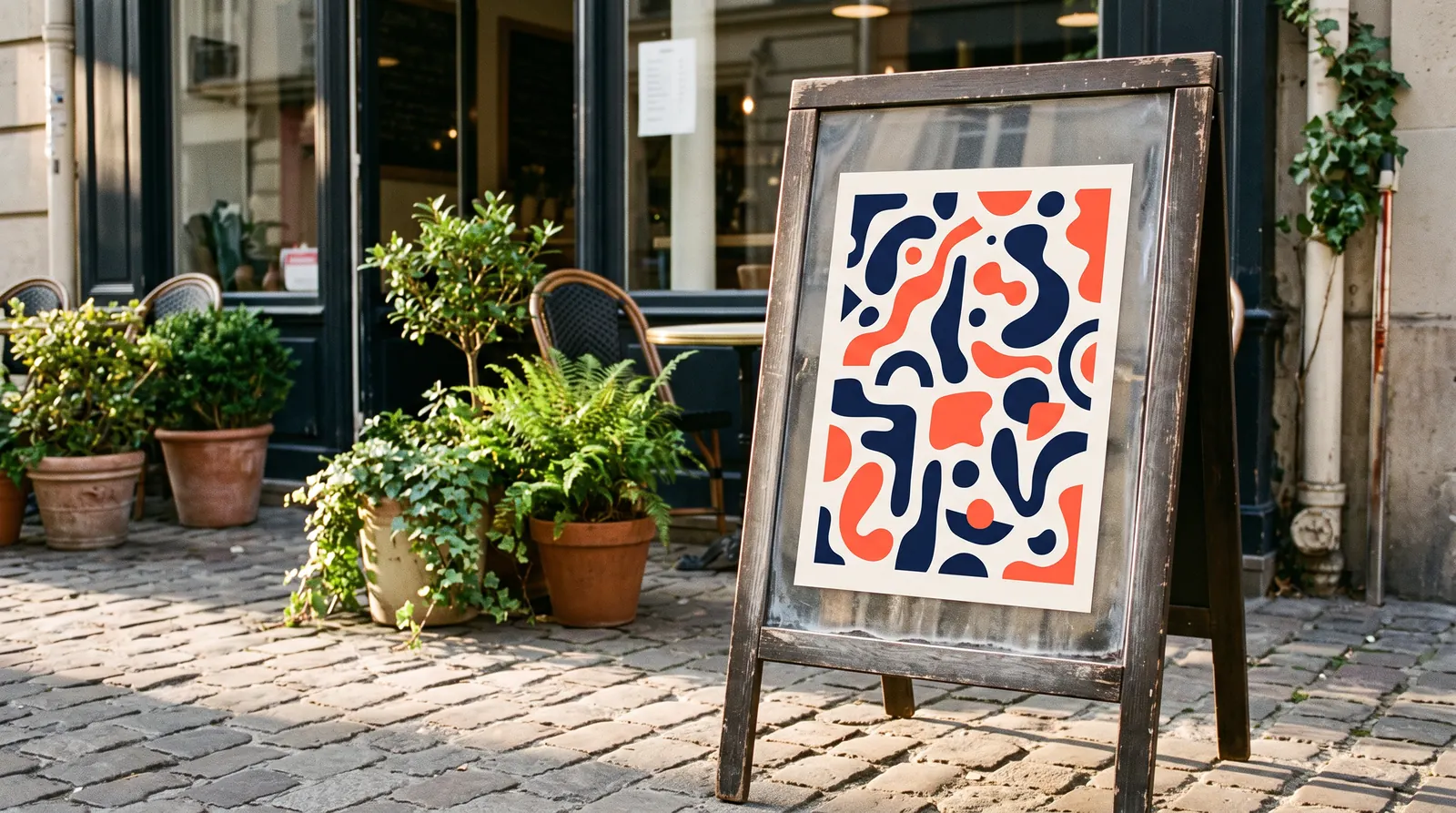
An A-board has two faces, and each one works like a separate snap frame. Change the posters one side at a time. Stand the A-board open on level ground or lay it flat on a clean surface so it cannot tip over while you open the profiles. This is how you change the poster in the Aurora A-board with its 25 mm profile and in the Hampton A-board with its 32 mm profile.
If the pavement sign stands outdoors, use a moisture-resistant print and change it on a dry day. Water droplets trapped under the cover will leave marks on paper.
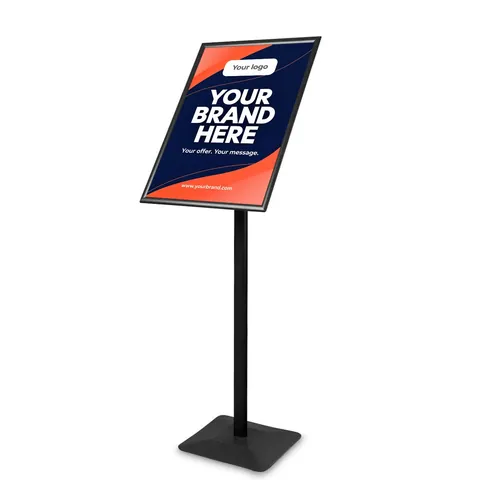
On information stands with a snap frame, such as the Premium information and menu stand in A4 to A2 or the Chroma A1 information stand, you open the profiles exactly as on a wall frame. You change the poster where the stand is, without taking it apart; just hold the base if the stand is light.
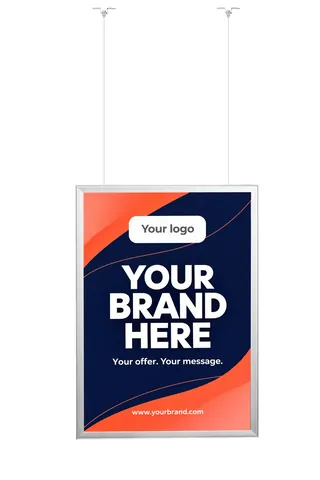
The Vertico hanging frame hangs on a 150 cm cable. Steady it with your other hand before opening the profiles so it does not swing, and ask someone to help with A1 and B1 sizes.

Snap frame Standard – poster frame A5–A0, B3–B1
from €7.43 incl. VAT16 versions
In stock — ships in 1–2 business days
- Before Black Week

A-board Aurora – A2, A1, A0, B2
from €52.09€57.87incl. VATLowest price in the 30 days before the discount: €57.876 versions
In stock — ships in 1–2 business days
Information and menu stand Premium
from €78.92 incl. VAT5 versions
In stock — ships in 1–2 business days
Hanging snap frame Vertico – A2, A1, B2, B1
from €60.82 incl. VAT4 versions
In stock — ships in 1–2 business days
Common problems and how to fix them
| Problem | Cause | Fix |
|---|---|---|
| A side will not open | trying to open it from the middle | start at a corner and lift the edge with a fingertip or a plastic spatula |
| A side will not close | the poster or cover is caught under the hinge | line up the edges and trim the poster exactly to size |
| The poster ripples | damp, or a poster stored rolled up | lay the poster flat for a few hours before fitting it |
| Dust and fluff under the cover | static on the cover | wipe it with a slightly damp cloth and let it dry |
| Glare | glossy paper and strong light from the front | print on matt paper |
| Scratches on the cover | dry cleaning with a rough cloth or alcohol-based cleaners | clean with microfibre and water with a drop of mild detergent |
Preparing the poster for the frame
Print the poster exactly to the frame size. The profile overlaps the edges of the print, so keep text, logos and QR codes at least 2 cm in from the edge. The background can run right to the edge; if the printer trims the poster after printing, add bleed as they require, usually 2–3 mm on each side.
Choose a medium-weight poster paper. Very thick card or a poster mounted on rigid board may not fit under the cover and profile. In shop windows and brightly lit spaces, matt paper works better than gloss.
Supply the file in CMYK. A3 to A1 posters are seen close up, so aim for 150–300 dpi at full size. You can ask us about printing the graphic in a quote request or have it printed by any print shop. We list the graphic size on every product.
All the dimensions are in our guide to poster sizes.
Changing posters across many frames and sites
When a campaign covers dozens of frames across shops, branches or the floors of an office building, the biggest risk is mix-ups rather than the change itself. A few simple rules save time and hassle.
- A list of frames and sizes — record every frame with its location and size, such as “entrance, A1” or “lift, A4”. Order the prints from this list so nothing has to be trimmed on site.
- One colour, one profile — frames to the same standard open the same way, so any member of staff can change them after one demonstration.
- Send posters flat — post sizes up to A2 flat, between sheets of card. A print rolled into a tube tends to curl under the cover.
- A date and a photo — set a change-over day and ask for a photo of every frame afterwards. It is then easy to check that the current campaign is up everywhere.
Where to buy frames and what next
You will find wall and hanging frames in the poster frames category, and A-boards and information stands with snap profiles under A-boards. If you are still choosing a frame, read our comparison snap frame vs clip frame and the guide on how to choose an A-board.
In-stock products ship within 1–3 working days across the EU, with a VAT invoice. If you are fitting out a retail chain, an office building or a hotel, send us a quote request and we will price a larger number of frames at B2B rates.
Frequently asked questions
Do I need to take a snap frame off the wall to change the poster?
No. A snap frame opens from the front, so you do everything while it hangs on the wall. You flip open the four sides, lift off the cover, swap the poster and snap the sides shut again. You only take the frame down if you are moving it somewhere else. That means shop or office staff can change posters themselves, with no installation team and no tools.
How do I open a snap frame if the profile is very stiff?
Always start at a corner, never in the middle of a side. Slide a fingertip under the edge of the profile next to the corner, flip it outwards and then run your finger along the side. If that is not enough, lift the edge with a plastic spatula. Do not use a screwdriver or a knife, as you will scratch the aluminium and may bend the profile.
Can I put a smaller poster in a larger frame?
You can, but the poster will slide around under the cover and you will see an empty strip of backing board around it. It is better to print the poster to the exact frame size and keep 2 cm clear of the edges for text. If you have a B2 poster and an A1 frame, choose a B2 frame instead or print a new version of the design in A1.
How should I clean a snap frame cover?
Wipe the cover with a soft microfibre cloth dampened with water and a drop of mild detergent, then dry it. Avoid paper towels, alcohol-based cleaners and solvents, as they can cloud or scratch the plastic. The best time to clean the cover is at every poster change, on both sides, before you lay it over the new print.