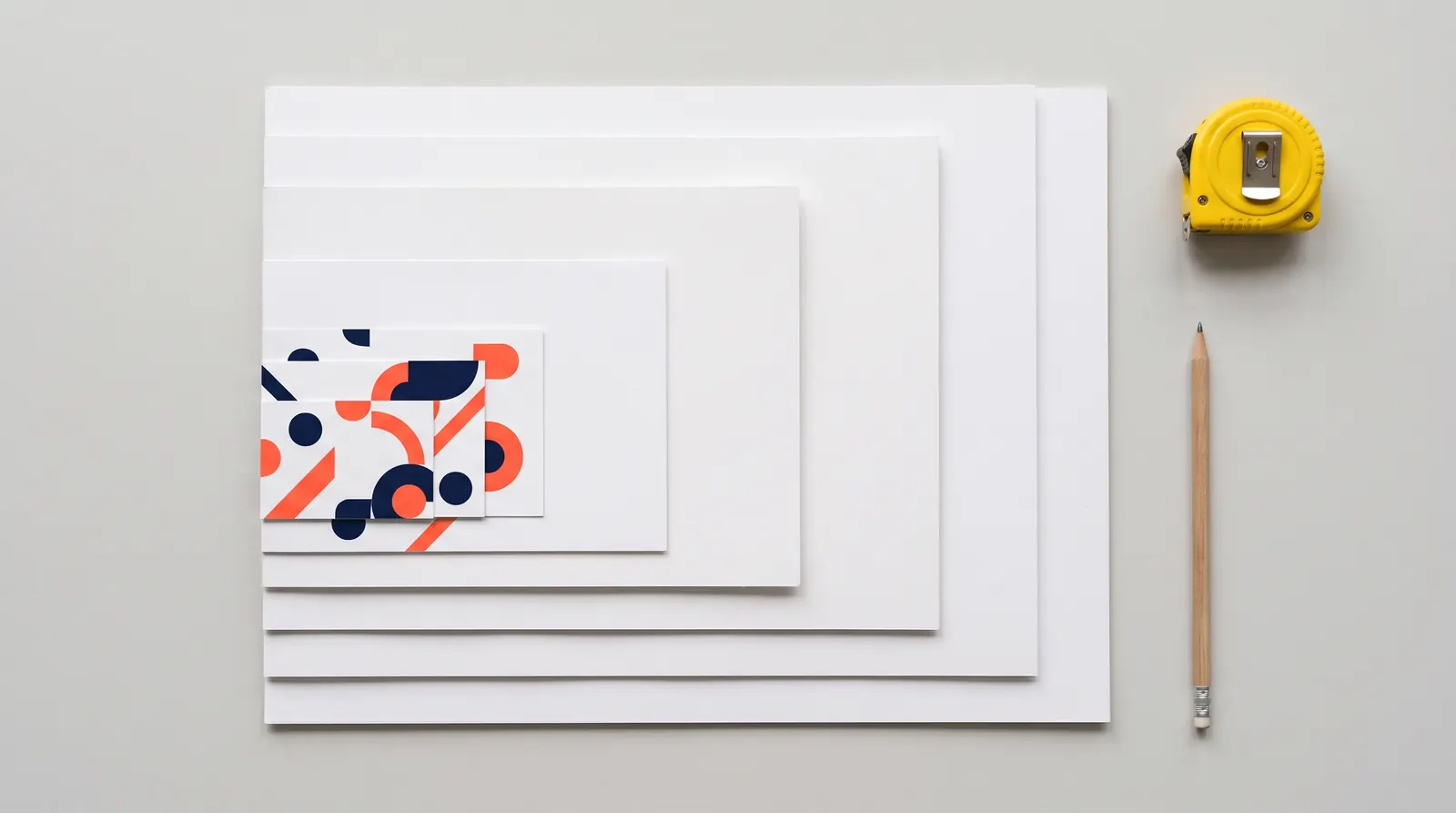
A1 size, A2 size and A0 size at a glance
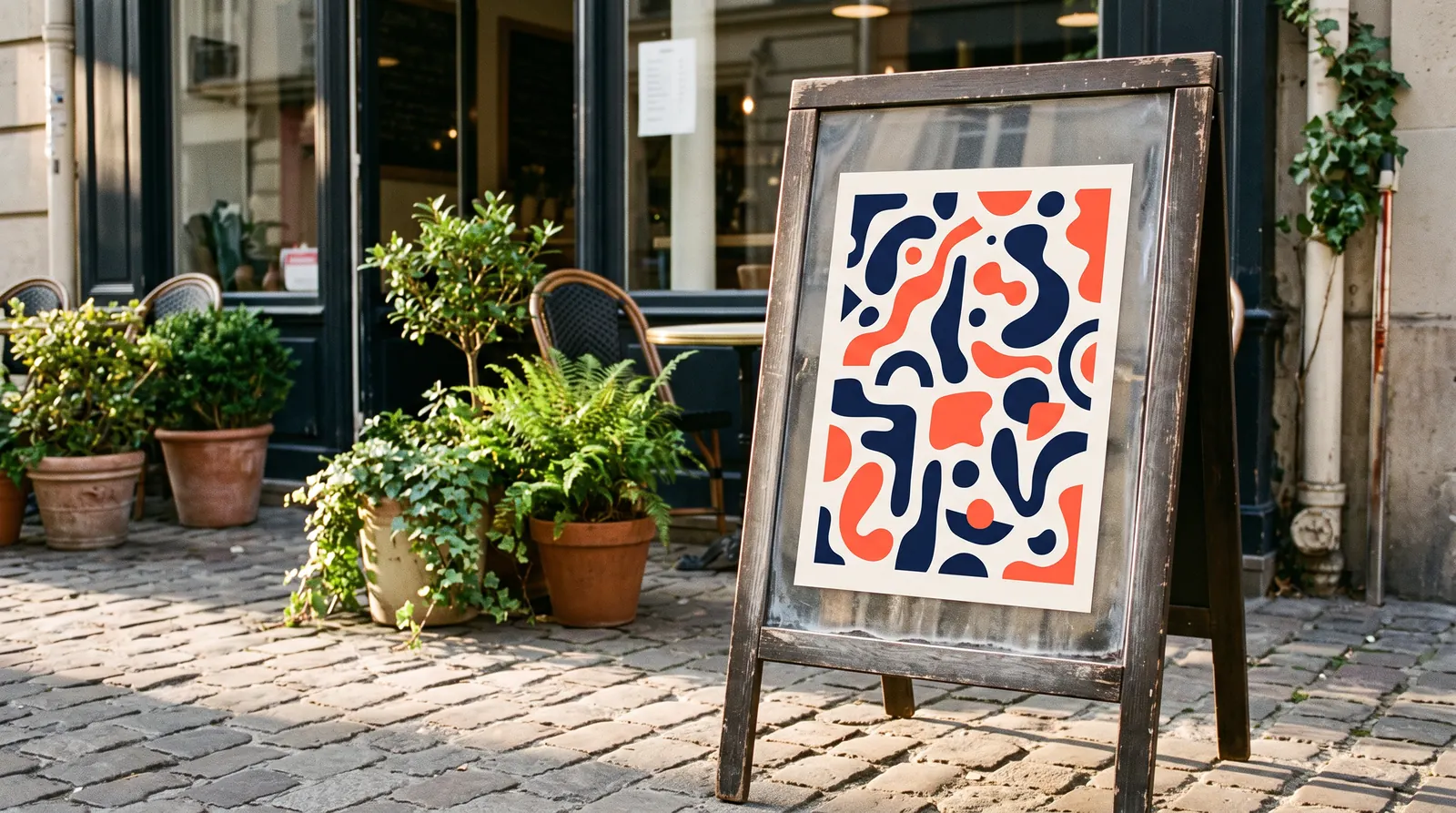
A1 size is 594 × 841 mm, or 59.4 × 84.1 cm. It is the classic size for a shop window poster or an A-board on the pavement. A0 is twice as large (841 × 1189 mm), while A2 is half the size (420 × 594 mm).
The chart below lists every A size in the ISO 216 standard in millimetres, centimetres and inches.
| Size | Millimetres | Centimetres | Inches |
|---|---|---|---|
| A0 | 841 × 1189 | 84.1 × 118.9 | 33.1 × 46.8 |
| A1 | 594 × 841 | 59.4 × 84.1 | 23.4 × 33.1 |
| A2 | 420 × 594 | 42 × 59.4 | 16.5 × 23.4 |
| A3 | 297 × 420 | 29.7 × 42 | 11.7 × 16.5 |
| A4 | 210 × 297 | 21 × 29.7 | 8.3 × 11.7 |
| A5 | 148 × 210 | 14.8 × 21 | 5.8 × 8.3 |
| A6 | 105 × 148 | 10.5 × 14.8 | 4.1 × 5.8 |
| A7 | 74 × 105 | 7.4 × 10.5 | 2.9 × 4.1 |
| A8 | 52 × 74 | 5.2 × 7.4 | 2.0 × 2.9 |
| A9 | 37 × 52 | 3.7 × 5.2 | 1.5 × 2.0 |
| A10 | 26 × 37 | 2.6 × 3.7 | 1.0 × 1.5 |
Sizes are always written short side × long side. A landscape A1 poster is therefore 841 × 594 mm: the same size, just turned on its side.
Where the A sizes come from
The whole A series follows one rule. An A0 sheet has an area of one square metre and its sides are in the ratio 1 : √2, roughly 1 : 1.414. Cut it in half across the long side and you get the next size down with exactly the same proportions: one A0 makes two A1 sheets, one A1 makes two A2 sheets, and so on down to A10.
ISO 216 rounds each dimension down to the nearest millimetre, which is why A1 is 594 mm wide rather than 594.5 mm. The system started life as the German standard DIN 476 in 1922, so in Germany and Austria you will still hear “DIN A4” or “DIN A1”.
You may also come across 2A0 (1189 × 1682 mm) and 4A0 (1682 × 2378 mm). They are not part of ISO 216, and large-format jobs are usually ordered in centimetres anyway.
Scaling without cropping
Because every A size has the same proportions, an A4 layout scales up to any larger A size without losing anything at the edges. Each step up enlarges the sides by about 141%:
- A4 to A3 — scale 141%, area ×2,
- A4 to A2 — scale 200%, area ×4,
- A4 to A1 — scale 283%, area ×8,
- A4 to A0 — scale 400%, area ×16.
The pixel count you need grows with the size. A logo that looks sharp on an A4 flyer can turn soft on an A0 poster unless it is a vector file.
What A0, A1, A2, A3 and A4 are used for
Choosing a size starts with the distance from which people will read your message. The table shows typical uses and an approximate reading distance, assuming the lettering is sized sensibly.
| Size | Typical use | Readable from (approx.) |
|---|---|---|
| A0 | large poster, exhibition graphic, A-board at a busy entrance | 5–8 m |
| A1 | shop window poster, pavement sign, information board | 3–5 m |
| A2 | poster in a lobby or corridor, menu stand, in-store notice | 2–3 m |
| A3 | notice, price list, daily menu, workstation instructions | 1–2 m |
| A4 | terms and conditions, health and safety notice, counter price list | up to 1 m |
| A5–A6 | table and counter displays, leaflets, small signs | held in the hand |
How big should the lettering be
Sign makers use a simple rule of thumb: about 2.5 cm of capital letter height for every 3 m of viewing distance (the old “one inch per ten feet”). An A1 headline meant to be read from 6 m across the pavement should therefore be at least 5 cm tall. If you have a lot to say and people are far away, go up a size rather than shrinking the type.
Poster frames, A-boards and stands in A sizes
With display hardware, the size decides which print fits the frame. These are the options you will use most often:
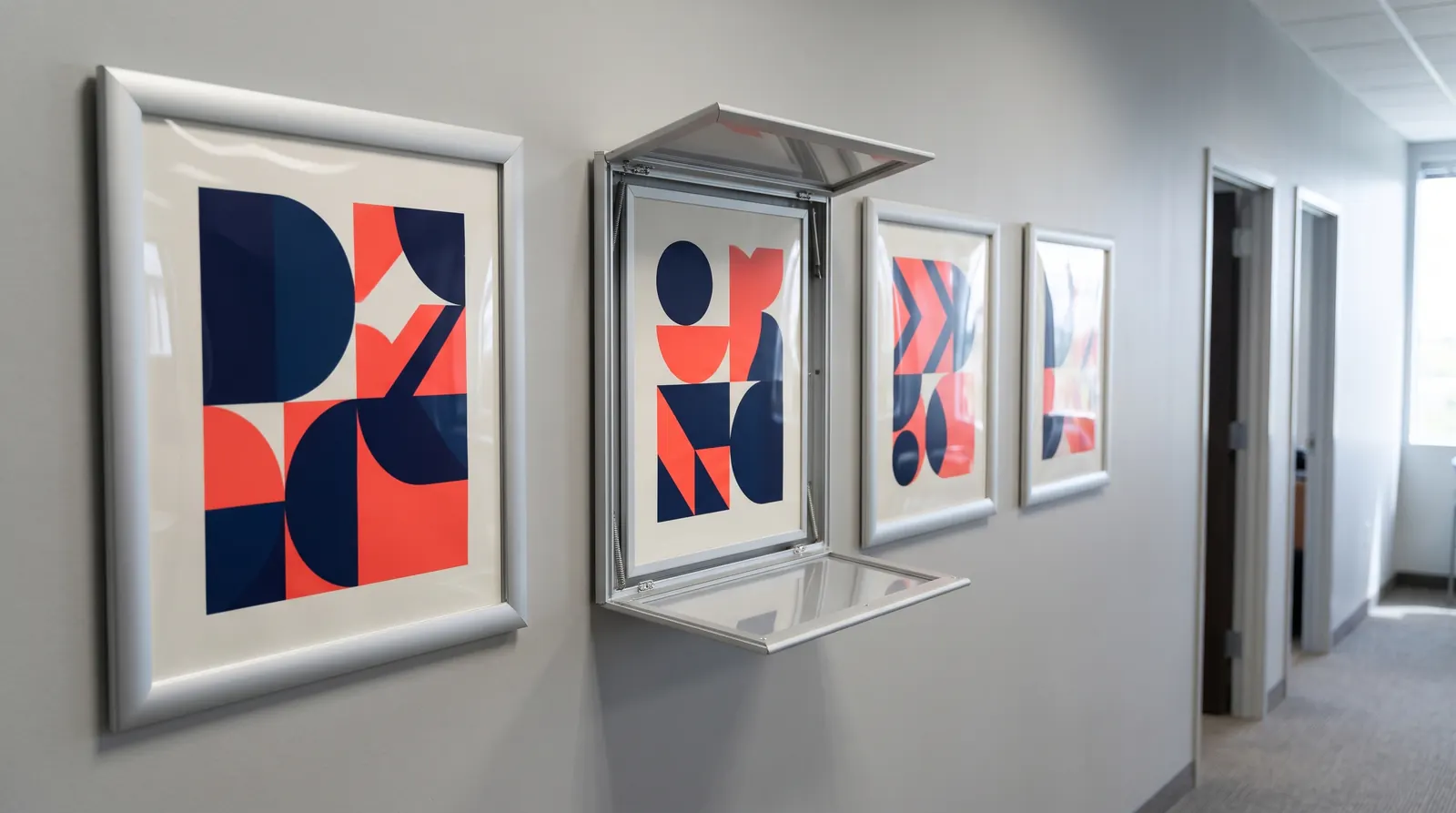
- Snap frames — the Standard snap frame comes in A5 to A0 (plus B3 to B1). The profiles open from the front, so you change the poster without taking the frame off the wall. The A1 frame weighs 1.9 kg and the A0 frame 3.6 kg.
- Magnetic frames — the lightweight Magnetic frame in A3, A4 and A5 suits notices in offices, shops and at workstations. For safety instructions there is the Magnetic safety sign frame in A3 and A4.
- Hanging frames — the Vertico hanging snap frame in A2 and A1 (and B2 and B1) hangs on a 150 cm cable, for example in a shop window or above a counter.
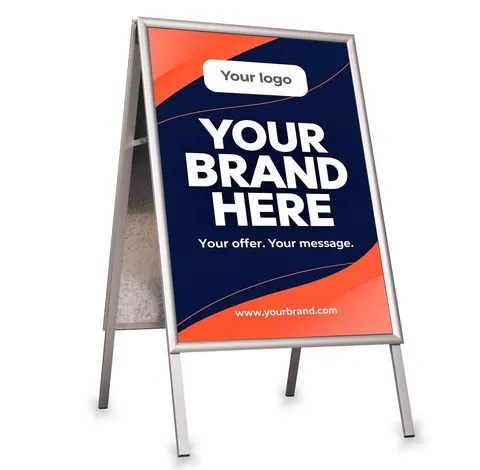
- A-boards — the Aurora A-board takes an A2, A1 or A0 poster; the stand is 80, 106 or 146 cm tall respectively. More comparisons are in our guide to A-board sizes.
- Information stands — the Premium menu and information stand in A4, A3 and A2, and the Chroma information stand with an A1 board (59.4 × 84.1 cm).
- Small counter sizes — the Crystal acrylic stand in A4, A5 or A6 and the Montana leaflet stand for A4 or A3 brochures.

Snap frame Standard – poster frame A5–A0, B3–B1
from €7.43 incl. VAT16 versions
In stock — ships in 1–2 business days
- Before Black Week
A-board Aurora – A2, A1, A0, B2
from €52.09€57.87incl. VATLowest price in the 30 days before the discount: €57.876 versions
In stock — ships in 1–2 business days
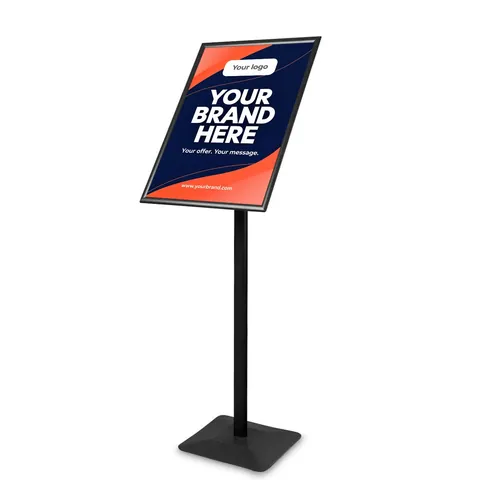
Information and menu stand Premium
from €78.92 incl. VAT5 versions
In stock — ships in 1–2 business days
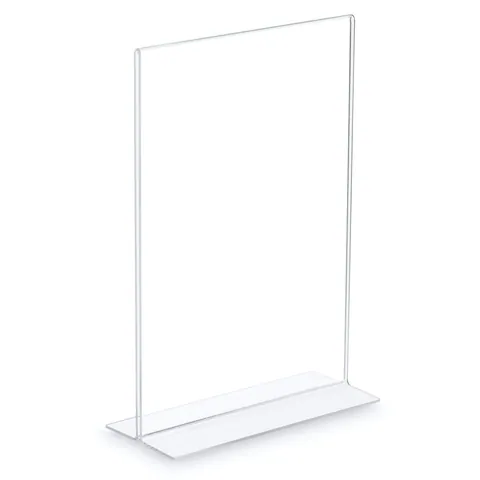
Crystal stand
from €2.39 incl. VAT3 versions
In stock — ships in 1–2 business days
Print files in A sizes: pixels, bleed and safe zone
For a frame, A-board or stand you order the print at the net size, for example A1 = 594 × 841 mm. If your printer asks for bleed, it is usually 2–3 mm on each side; after trimming, the poster is exactly the A size.
The profile of a snap frame or A-board overlaps the edge of the print, so keep text and logos at least 2–3 cm in from the edges.
| Size | 300 dpi | 150 dpi |
|---|---|---|
| A0 | 9933 × 14043 px | 4967 × 7022 px |
| A1 | 7016 × 9933 px | 3508 × 4967 px |
| A2 | 4961 × 7016 px | 2480 × 3508 px |
| A3 | 3508 × 4961 px | 1754 × 2480 px |
| A4 | 2480 × 3508 px | 1240 × 1754 px |
300 dpi is the norm for anything seen up close, such as A4 and A3. A1 and A0 posters are viewed from a few metres away, so 150 dpi at full size is usually enough. Our guide to large-format print resolution goes into more detail. Save the file as a CMYK PDF with fonts embedded or converted to outlines.
Common mistakes with A sizes
- A1 instead of B1 — B1 is 707 × 1000 mm and will not fit an A1 frame (594 × 841 mm). We explain the difference in B0, B1 and B2 sizes.
- Calling 50 × 70 cm “A2” — it is not an A size at all. It is closest to B2 (500 × 707 mm), while A2 is 420 × 594 mm.
- Rounding the numbers — A2 is 42 × 59.4 cm, not 42 × 60 cm. A few millimetres is enough to stop a poster sliding under the frame profile.
- US Letter instead of A4 — files from North America are often 8.5 × 11 in (216 × 279 mm). Rescale them to A4 or adjust the layout before printing in Europe.
- Wrong orientation — before you start designing, check whether the stand or frame holds the poster portrait or landscape.
How to order a frame or stand in A sizes
Pick the size first, then the display: poster frames for walls, A-boards for the pavement or display and information stands for indoors. Items in stock ship within 1–3 working days across the EU, with a VAT invoice.
You can ask us about printing your graphic in a quote request or have it printed by any print shop. Every product page lists the graphic size. If you need dozens of frames for a retail chain or agency pricing, send a quote request and we will prepare a B2B offer.
Frequently asked questions
What size is A1 in cm?
A1 is 59.4 × 84.1 cm, which is 594 × 841 mm or roughly 23.4 × 33.1 inches. It is half an A0 sheet and twice the size of A2. In portrait the width is 59.4 cm and the height 84.1 cm; in landscape it is the other way round. A1 is a popular size for shop window posters, A-boards and information boards, readable from 3–5 metres with a headline a few centimetres tall.
Is A0 exactly one square metre?
Yes. An A0 sheet measures 841 × 1189 mm, which gives an area of one square metre (0.9999 m² once the sides are rounded to whole millimetres). The whole ISO 216 A series is built on this: A1 is 0.5 m², A2 is 0.25 m², A3 is 0.125 m² and A4 is 0.0625 m². That makes it easy to estimate paper and print material for a job.
How many times bigger is A1 than A4?
A1 has eight times the area of A4: two A4 sheets make an A3, four make an A2 and eight make an A1. The sides grow more slowly, because each step is about 141%. Enlarging an A4 design to A1 therefore means scaling it to roughly 283%. The proportions stay the same, so nothing needs cropping, but the artwork needs far more pixels.
What size is a 50 × 70 cm poster?
A 50 × 70 cm poster is not an A size. It is closest to B2, which ISO 216 defines as 500 × 707 mm and which printers often round to 50 × 70 cm. For a poster like this, choose a frame or A-board made for B2, and before printing compare your print size with the graphic size shown on the product page.
What resolution do I need for an A1 poster?
For an A1 poster viewed from a few metres, 150 dpi at full size is usually enough, which means a file of about 3508 × 4967 pixels. If people will look at it up close, for example in a corridor frame, prepare it at 300 dpi, or 7016 × 9933 pixels. Keep text and logos as vectors so they stay sharp whatever the resolution of the photos.