Which information board to choose
Ask yourself three questions. First, should the board stand on the floor, hang on a wall or be suspended? Second, how often will you change the content? Third, from what distance will people read it?
If the information changes every few days, such as a conference programme, a class timetable or a daily menu, choose an information stand or a snap frame. You can swap the print in a minute, with no tools. If the board will stay up for years, for example with your company name, a floor plan or house rules, an acrylic or aluminium composite sign on stand-offs is a better choice. Match the size to the reading distance: A4 is read up close, while A1 and B1 can be seen from across a lobby.
Types of information board
| Type | Where it works | Sizes in our range | Changing the content |
|---|---|---|---|
| Information stand | entrance, reception, conference room, hotel | A4–A2, A1 board | swap the print in a snap frame |
| Wall-mounted snap frame | corridor, stairwell, warehouse, shop | A5–A0, B3–B1 | swap it without taking the frame down |
| Magnetic and Magnetic safety sign frames | office, back of house, production floor | A5–A3 | quick sheet change |
| Sign on stand-offs | reception, entrance, consulting room | any panel size | permanent content |
| Hanging frame or cable-mounted sign | shop window, lobby, sales floor | Vertico frame A2–B1, cable-mounted panels | swap the print, or permanent content |
Information stands: freestanding boards from A4 to A1
An information stand is a frame on a pole and base that you can move wherever it is needed. Place it at the door of a meeting room, by the lifts or next to reception, and put it away after the event. You change the content by opening the frame profiles, just as you would on a wall frame.
- The Standard information and menu stand in A4 and A3 has a 25 mm profile and weighs around 3 kg. It is a light model for offices, receptions and training rooms.
- The Premium information and menu stand in A4, A3 and A2, in black or silver, has a 25 mm profile and a 34×30 cm base. The A2 version weighs 6.5 kg, so it stands firm even in a busy lobby.
- The Puladi information and menu stand in A4 or A3 combines acrylic, aluminium and steel, with a round base 27 or 33 cm across. The Classic stand in aluminium and steel is similar and weighs from 2.4 kg.
- The Chroma A1 information stand has a 59.4×84.1 cm board on a 25×50 mm profile. Overall it measures 66.8×159.5×40.5 cm and weighs 5.2 kg. It is a good choice for a floor plan, a site map or an event schedule.
A4 and A3 stands suit short notices and menus, while A2 and A1 suit plans, programmes and notices read from several metres away. For menus, price lists and daily specials in a restaurant, see our round-up of menu stands.
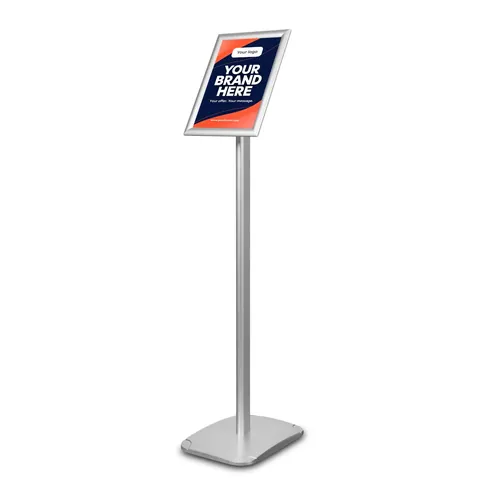
Information and menu stand Standard
from €63.72 incl. VAT2 versions
In stock — ships in 1–2 business days
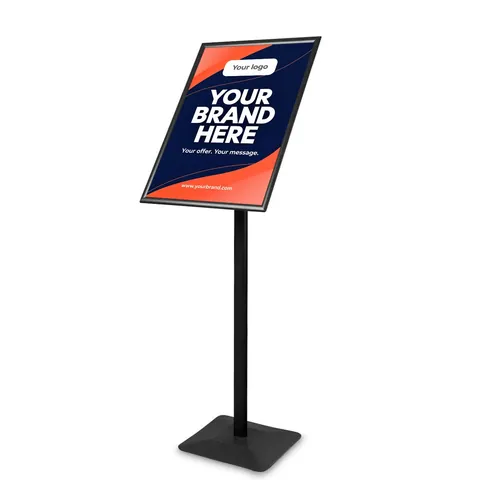
Information and menu stand Premium
from €78.92 incl. VAT5 versions
In stock — ships in 1–2 business days
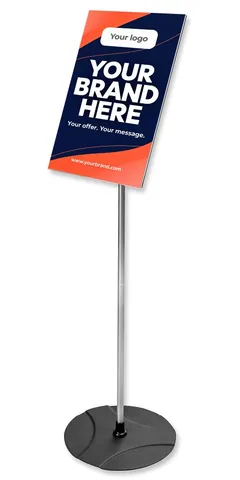
Information and menu stand Puladi
from €57.87 incl. VAT2 versions
In stock — ships in 1–2 business days
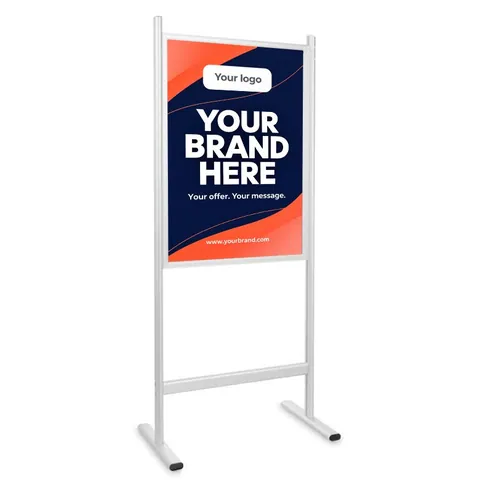
Information stand Chroma - A1
€174.79 incl. VATLead time on request
Wall-mounted information boards: frames and stand-offs
Snap frames
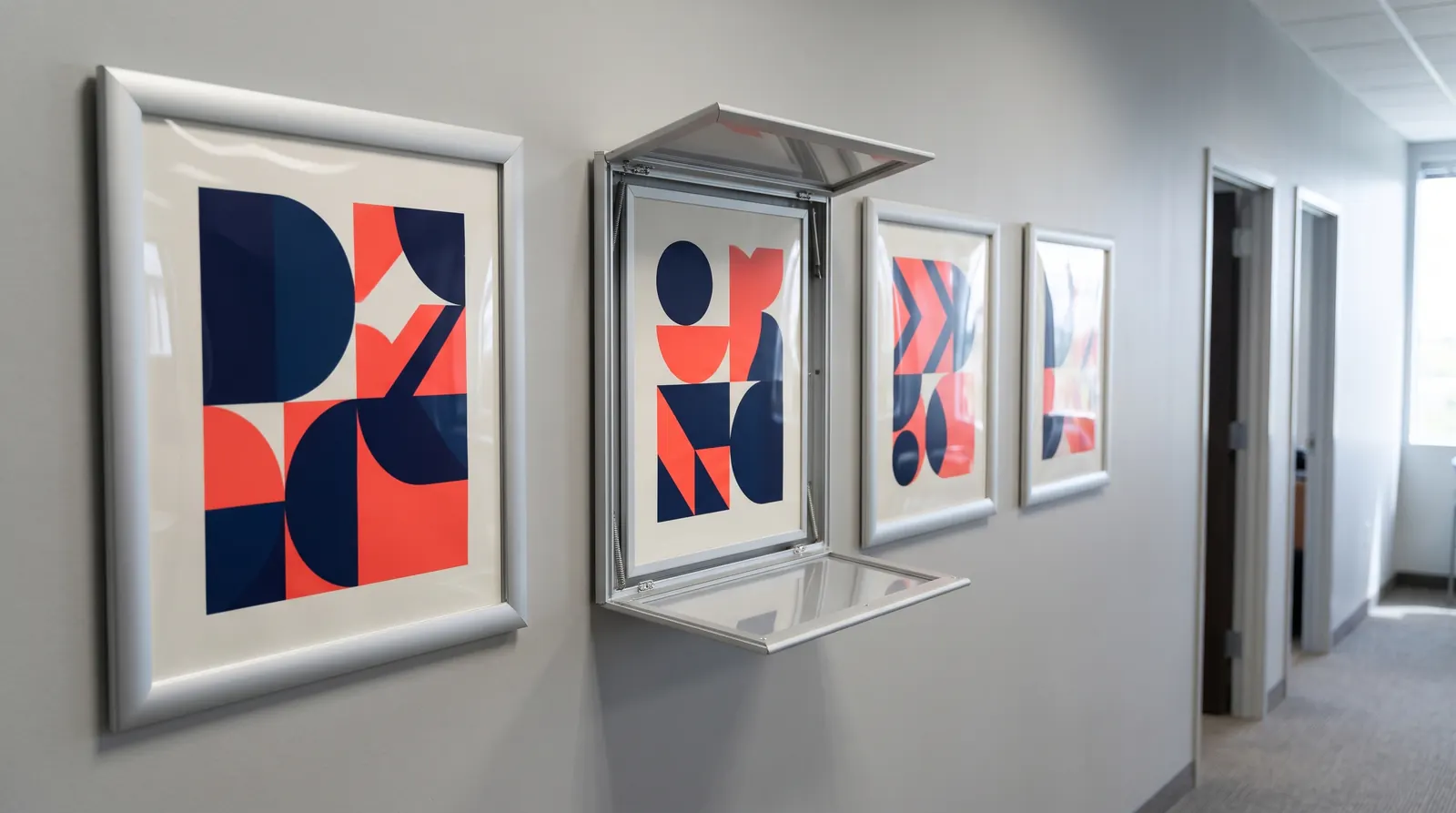
The most popular wall-mounted information board is a frame with a front-opening profile. The Snap Frame Standard comes in sizes from A5 to A0 and B3 to B1. You screw it to the wall once, then change the poster without taking the frame down. Our guide to changing a poster in a snap frame covers the details.
Magnetic frames
Magnetic frames in A5, A4 and A3, in black or silver, weigh from 50 to 140 g. They suit short notices, rotas and workstation instructions. The Magnetic safety sign frame in A4 and A3 is designed for health and safety instructions and signs in warehouses, workshops and production areas.
Signs on stand-offs
For permanent information such as your company name, opening hours or a department directory, choose an acrylic, glass or aluminium composite panel fixed on stand-offs. The panel sits away from the wall, which gives it a light, elegant look. Our aluminium sign stand-offs come in sizes from 13×13 to 25×25 mm, in silver, matt black and matt silver, with an 8 mm thread. We explain how to fit them in our guide to mounting a sign on stand-offs.
Hanging information boards and cable systems
When you cannot or would rather not drill into the wall, hang the board on cables. The Vertico hanging snap frame in A2, A1, B2 and B1 has a 32 mm profile and a 150 cm cable. Hang it in a shop window, above a counter or in a lobby, and change the poster as you would in any snap frame.
Cable systems are used for acrylic and aluminium composite panels. Choose the kit for your fixing points:
- the ceiling-to-floor cable display system with a 400 cm cable, when the board stands in open space, such as in a shop window or as a divider;
- a wall-to-wall system with a 300 cm cable, when you run the cable between two walls;
- a wall-to-floor or wall-to-ceiling system with a 400 cm cable, when one fixing point is on the wall;
- a ceiling-to-panel system with a 400 cm cable, when the board hangs from the ceiling.
You attach the panel to the cable with single-sided or double-sided panel grips. You will find every component in the stand-off mounts and cable systems category.
Chalkboards and barrier-post frames
Where the content changes daily, a chalkboard works well. Our wooden chalkboard in a pine frame with a 35 mm profile comes in sizes from 47×60 to 80×100 cm, and a small freestanding chalkboard in A4, A5 and A6 sits on a counter or table. Use chalk markers, available in a set of 8 colours.
An A4 barrier-post frame, in chrome or matt black, is useful in queues, at check-in desks and at the entrance to a hall. Use it for a short notice, such as which way the queue goes or the rules of entry.
How to make an information board easy to read
- One board, one purpose — a floor plan, house rules and a promotion on one board compete with each other. Two smaller boards work better.
- A headline you can see from afar — the most important information should be the largest and at the top, with details lower down in a smaller font.
- Contrast — dark text on a light background or light on dark. Avoid setting text over a photo.
- A plain typeface — choose a sans-serif font without flourishes, and avoid capitals in long sentences.
- Pictograms and arrows — in hotels, office buildings and at events they help visitors who do not speak the language.
- A full-size test — print a section at actual size and read it from the distance your audience will be standing.
- Height — hang the centre of a wall board at eye level, usually around 150 cm from the floor. Keep wheelchair users and children in mind if they are part of your audience.
Prepare the artwork in CMYK at 150–300 dpi at the final size. You can ask us about printing the graphic in a quote request or have it printed by any print shop. We list the graphic size on every product.
Information boards outdoors
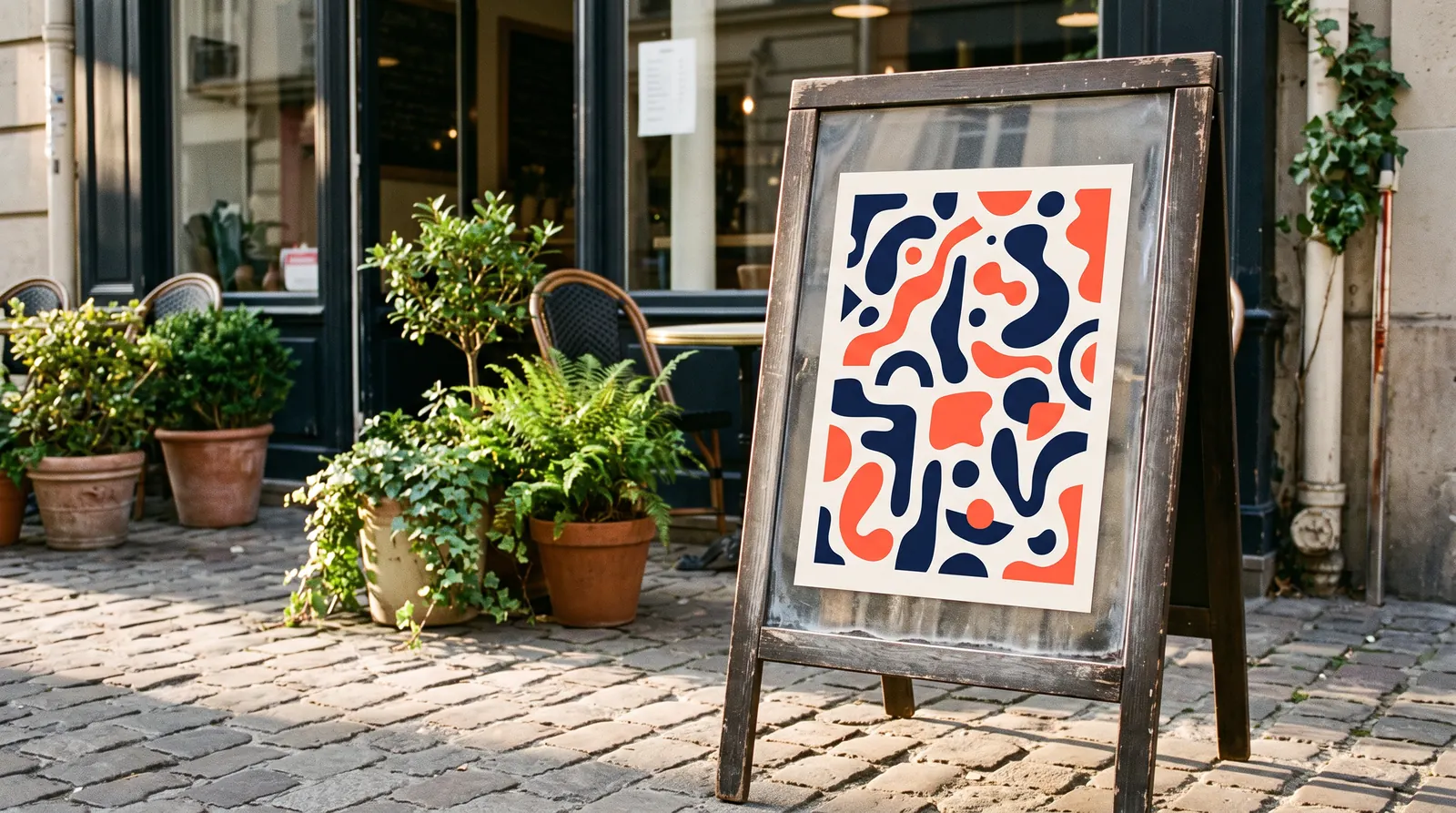
The information stands and wall frames in our range work best indoors. If the information has to stand outside a building, choose an A-board with a heavier base, such as the Hampton, or the waterproof PRO wooden A-board with a chalkboard. The classic wooden A-board is not weather-resistant, so keep it under cover and bring it in at night. For outdoor use, order your print on a moisture-resistant material.
We cover A-boards in our guide how to choose a poster stand, and signage for a whole business in our round-up of office signage.
How to order an information board
You will find information stands in the A-boards and information stands category, wall and hanging frames under frames and signage, and barrier-post frames and other display stands under display and information stands. The Standard information stand costs from €63.72 incl. VAT. In-stock products ship within 1–3 working days across the EU, with a VAT invoice.
Signing an office building, a hotel, a school or several branches? Send us a quote request with a list of locations and sizes and we will price it at B2B rates.
Frequently asked questions
What size information board should I choose?
Choose the size by the distance people will read the board from. A4 and A3 work at a reception desk, a meeting room door or a counter, where the reader stands close. Choose A2 or A1 for a floor plan, an event programme or a notice that needs to be readable from several metres away. B1 and A0 are useful in large lobbies and halls.
What is the difference between an information stand and an A-board?
An information stand is a single frame on a pole and base, usually placed indoors: at the entrance to a meeting room, in reception or by the lifts. An A-board is a folding A-shaped frame with two poster faces, usually placed on the pavement outside a shop or restaurant. Choose a stand for information inside a building and an A-board for advertising outside the entrance.
How do I change the content of an information board?
On information stands and snap frames, you open the frame profiles from the front, lift off the clear cover, swap the print and snap the profiles shut. You do not need to take the frame off the wall or unscrew anything. Acrylic or aluminium composite signs on stand-offs carry permanent content, so a change means ordering a new panel and fixing it to the same stand-offs.
At what height should I hang an information board?
Hang the centre of a wall board at eye level, usually around 150 cm from the floor. A large board, such as an A1 floor plan, can hang so that its bottom edge sits just above furniture and radiators. If your audience includes wheelchair users or children, lower the board or add a smaller version of the information further down.
Can I put an information board outdoors?
The information stands and frames in our range are designed mainly for indoor use. Outdoors, an A-board with a heavier base, such as the Hampton, or the waterproof PRO wooden A-board works better. Always order your print on a moisture-resistant material, bring lighter displays in at night and move them inside in strong wind.